1.7 KiB

Free peer-to-peer file transfers in your browser
Cooked up by Alex Kern & Neeraj Baid while eating Sliver @ UC Berkeley.
Overview
FilePizza enables fast and private peer-to-peer file transfers in your web browser.
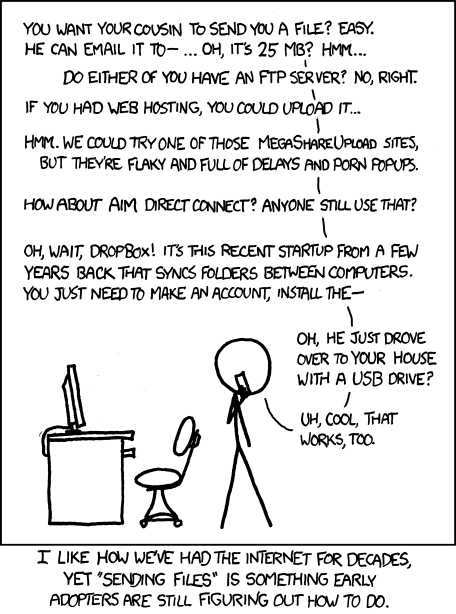
By using WebRTC, FilePizza eliminates the initial upload traditionally required when sharing files via file sharing services (e.g. Dropbox). Instead of transmitting files through an intermediary server, the sender initializes a transfer and receives a "tempalink" they can distribute. When recipients click on this link, they connect directly to the sender’s browser to complete the download. Because the file never touches the server, the transfer is fast, private, and secure. For larger files, this is an especially big deal.
A hosted instance of FilePizza is available at file.pizza.
Requirements
- node
0.12.x - npm
2.x.x
Installation
$ npm install filepizza -g
$ filepizza
You can specify the port that FilePizza's HTTP server uses by setting the PORT environment variable (default 3000):
$ env PORT=8080 filepizza
Development
$ git clone https://github.com/kern/filepizza.git
$ npm install
$ npm start
Troubleshooting
If you receive a Error: EMFILE, too many open files error when running npm start on a Mac, this is a result of Browserify's compilation step opening up a
large number of npm modules all at once. You'll have to increase the maximum
number of open files allowed on your system:
$ sysctl -w kern.maxfiles=20480
License
BSD